The Microchip Was Scanned. Why Can’t We Reach the Owner?
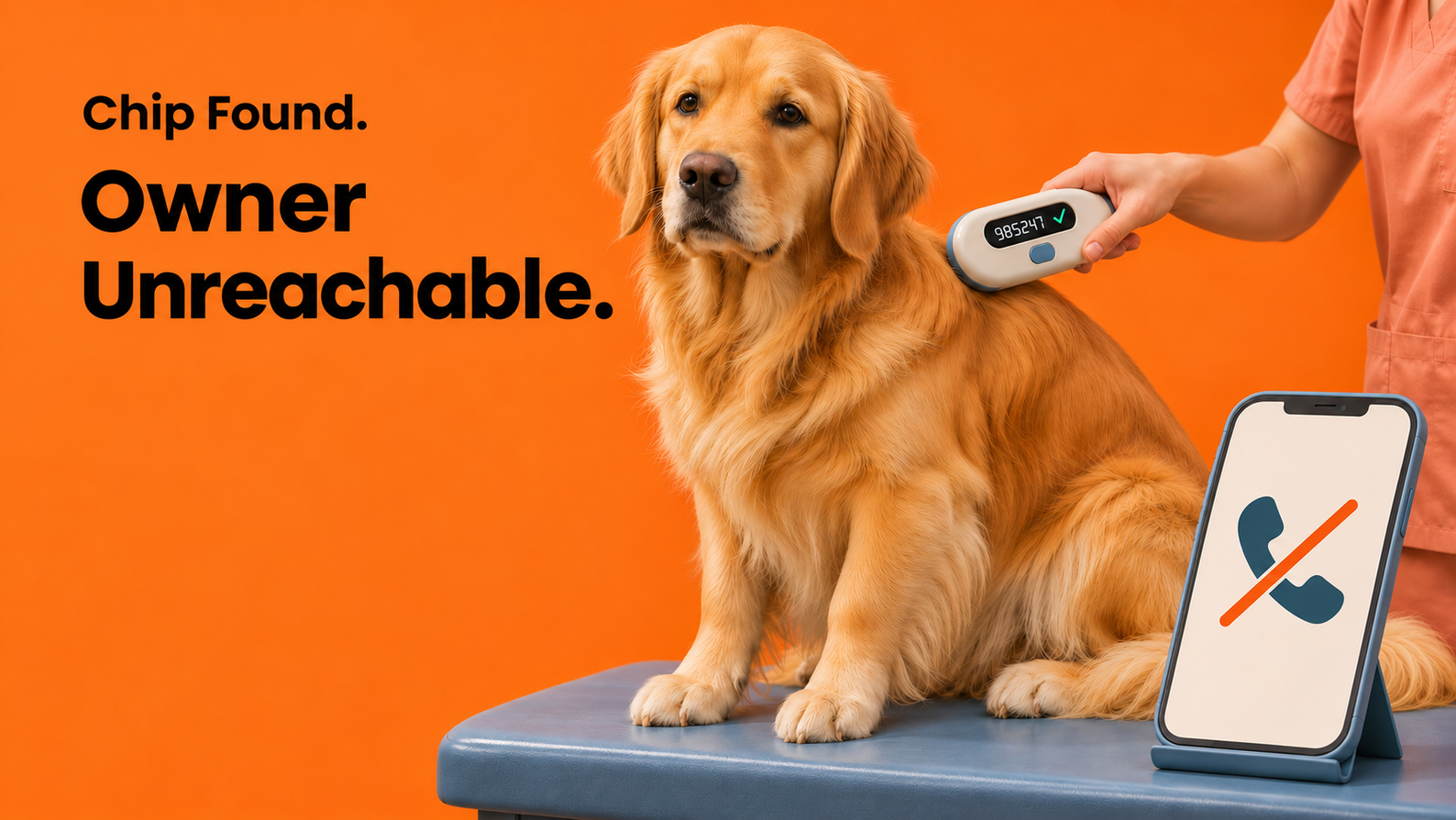
You find a dog without a collar. A veterinary clinic scans for a microchip and gets a number. It looks like the dog is one phone call away from getting home. But the number on file no longer works. Where do you look next?
The owner might have updated their contact information with the city and left an old number in the microchip registry. A current number may exist somewhere, but the finder or clinic still needs a way to locate that record and reach the owner. For pet platforms and animal services, that is the practical test: Can someone use the information they have to reach the owner—and what happens if the first attempt fails?
Which Record Can Help You Reach the Owner?
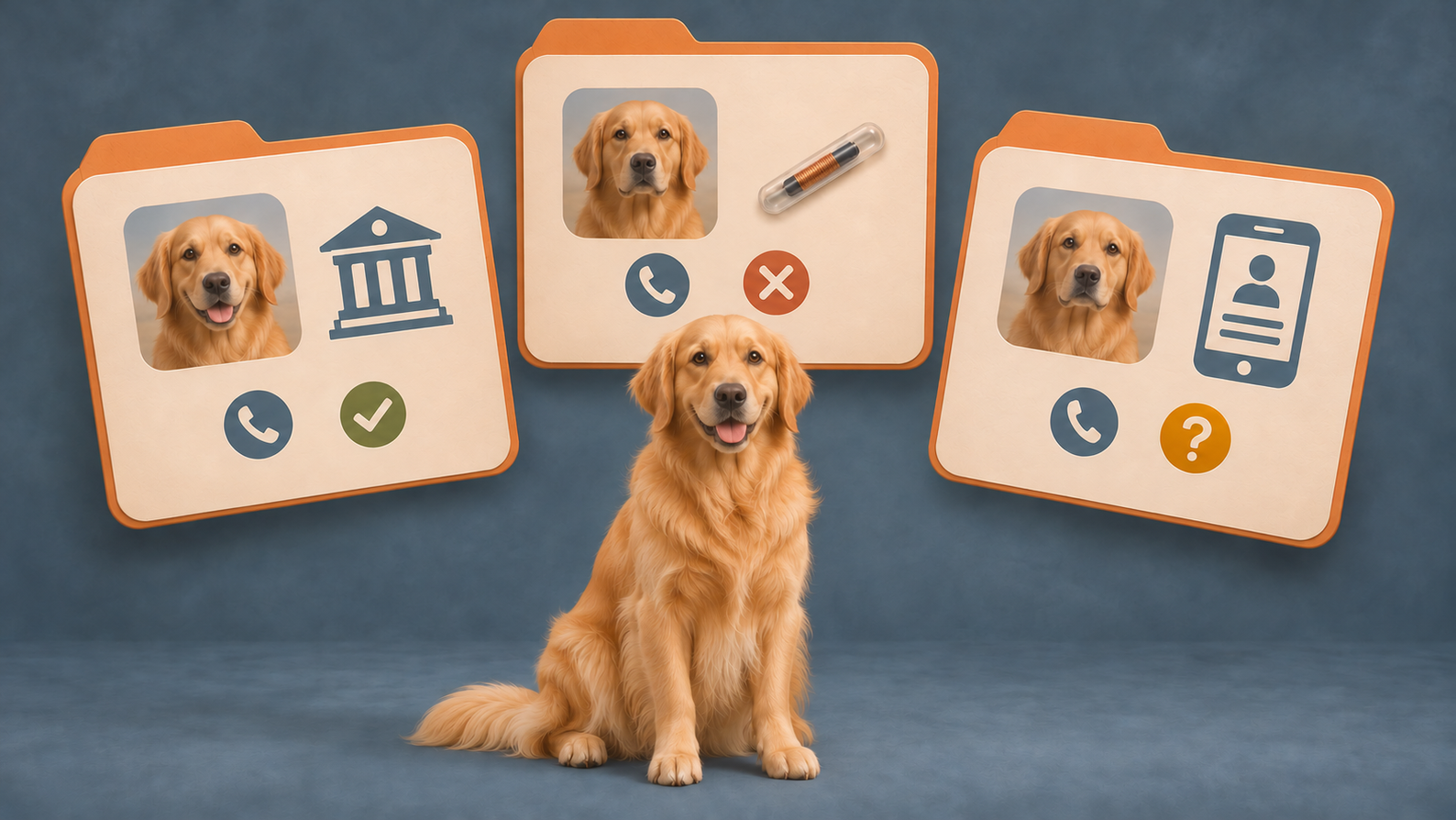
Pet registration can refer to several different records. Each has its own purpose, information, and contact process.
Take Seattle as one example. The city requires licenses for dogs and cats and uses licensing records to help return lost pets and contact owners. Licensing authorities and requirements vary by location. If your platform helps US owners register a pet, direct them to the agency that serves their address.
A microchip serves a different role. A scan provides the chip number. AAHA’s Microchip Registry Lookup Tool can then identify participating registries to contact. It does not display the owner’s phone number. A pet with an implanted chip may still need its number registered and linked to current contact information.
- Local pet license: A license tag number, or another identifier the issuing agency accepts, can help the agency locate its record and follow its process for contacting the owner.
- Microchip registry record: A chip number read with a scanner can help a clinic or shelter identify the relevant registry and follow its contact process.
- Profile in a service with lost-and-found features: A supported identifier or found-pet report may link to a registered profile, allowing the service to notify the owner through its own workflow.
For platforms that support more than one registration process, show the status of each separately. Owners need to know which record is complete and where their contact details are held.
What Happens If the First Call Fails?
Back to the dog at the clinic. If the first contact attempt fails, check whether AAHA’s lookup lists another registry for the chip. AAHA recommends contacting the listed registries, starting with the most recently updated record. Another listing is a route to investigate, not a guarantee of a working phone number.
If the owner still cannot be reached, the finder needs a local reporting route. Seattle’s guidance directs finders of healthy, friendly pets to submit a found-animal report and contact the shelter if they cannot reunite the pet with its owner. Other locations may have different procedures.
A platform can make this handoff useful by identifying the appropriate local service and linking to its reporting instructions. The finder should not have to guess which agency to contact after an unsuccessful call.
Where Does Nose Print Recognition Fit?
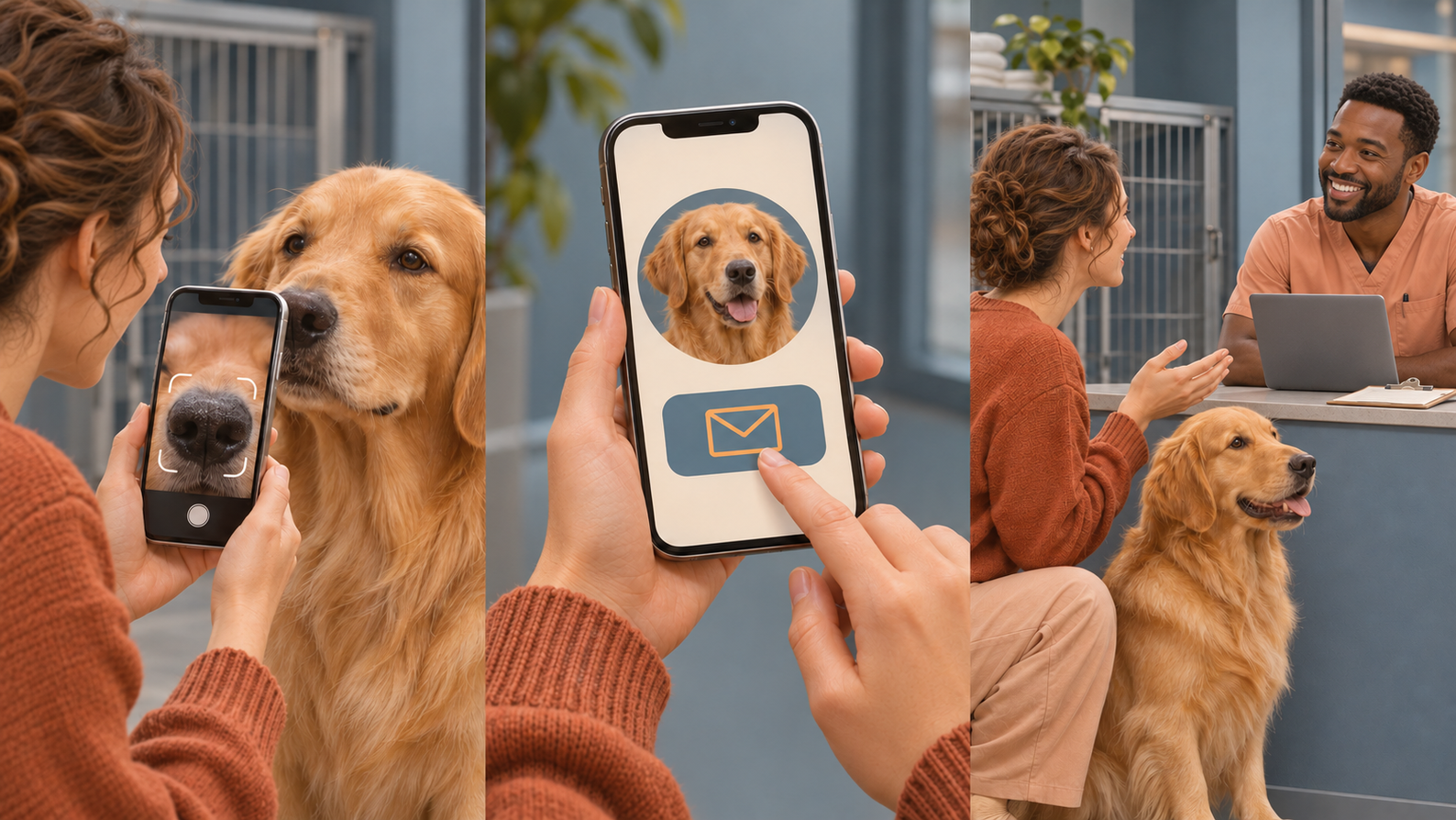
A different problem arises when the dog has no tag and no scanner is available. Nose print recognition can offer another way to search for an existing record. Services such as Petnow’s biometric identification service use smartphone captures to compare a dog’s nose print with registered identities. A match depends on a usable capture and an accessible record to compare it with.
A successful match still needs a working way to reach the owner. Even an accurate match cannot ensure reunification if the owner's contact information is outdated.
For example, a service could let the finder share the location and request contact without revealing the owner’s phone number. If there is no match, or contact fails, it could provide the local found-pet reporting route. These are product decisions to make alongside identification: each result should give the finder a concrete next step.
Your Pet Is Registered. Will the Record Work When It Matters?
Seattle lets owners add or verify a microchip number in the city’s licensing record. Its lost-pet guidance also tells owners to check their contact details with both the microchip registry and the licensing office. When someone moves, changes their number, or adopts a pet, a registration workflow should make clear which records have been updated and which still need attention.
If you design a pet platform or an animal services workflow, test one registered pet against three questions:
- Where does the owner update a changed phone number?
- What can a finder look up with the information they actually have?
- Where can they file a report if contact fails?
For each record your service uses, document who maintains it, how the owner updates it, and what the finder should do if contact fails. Those answers turn “registered” into a process people can use when a pet is found.