


01
Production path
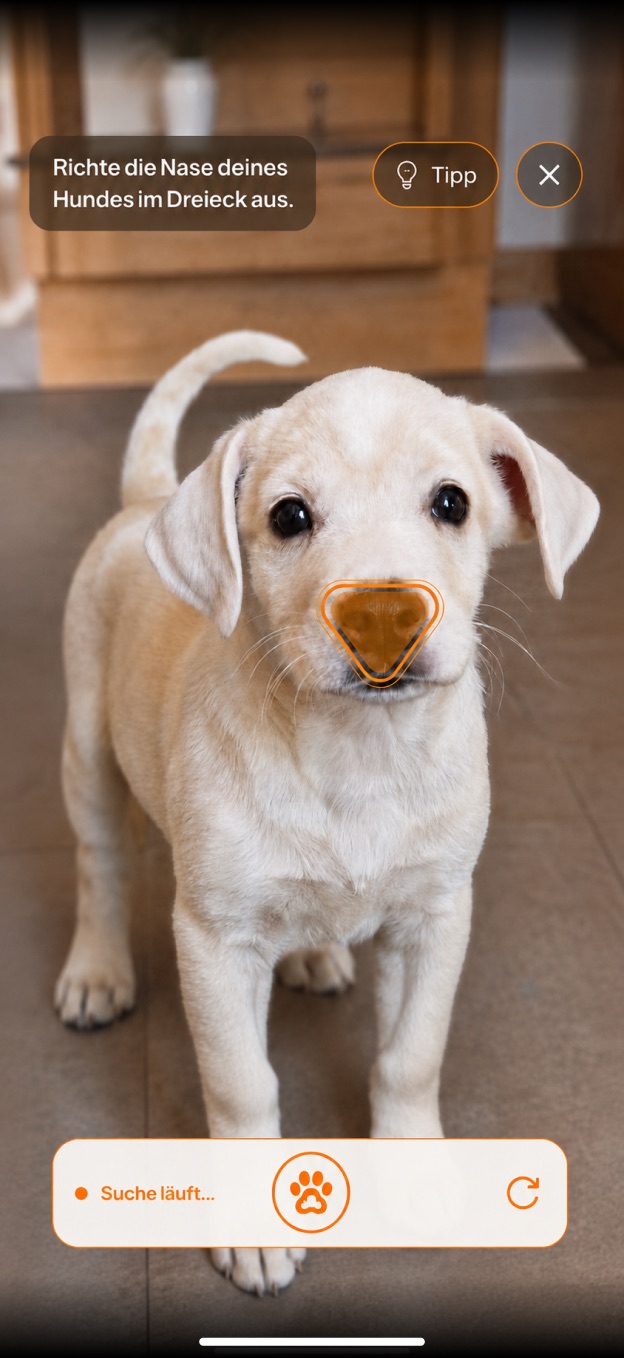
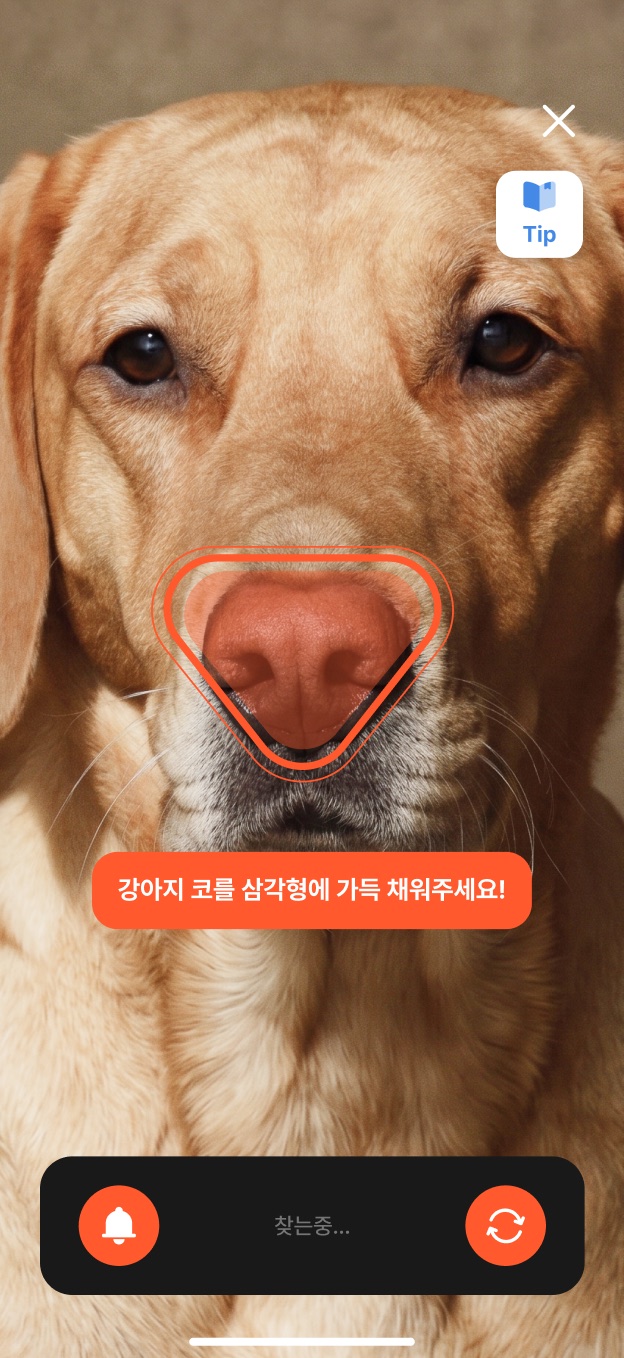
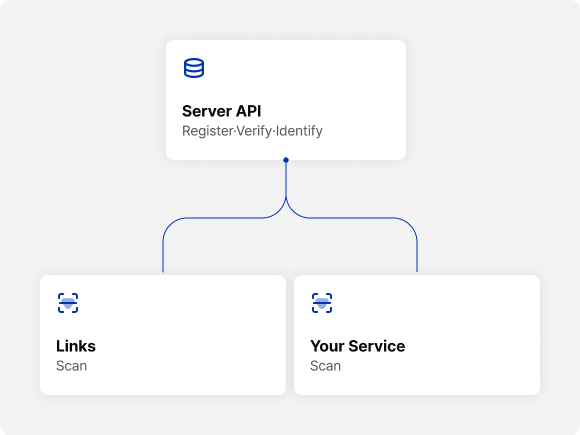
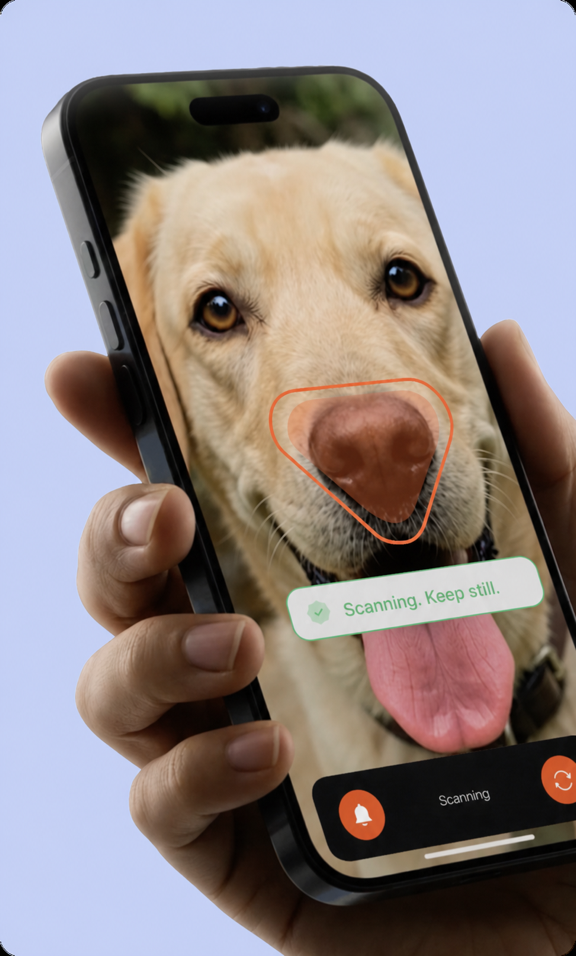
Launch in your app with the iOS/Android Native SDKs and send production requests through Server API.
Input
Native capture start and server integration
Petify · Pet Biometric SaaS
Your service
Petify
Native SDK + Server API
const petify = initPetify({ sdk: "native", apiKey: "pk_live_••••" })
Admin Console
Review in Admin Console

Verification complete
Review capture results and images
Petify integration
Connect Native SDK and Server API to your service.
Capture in your app
Run biometric capture inside your app.
Review in Admin Console
Review captured results and images.
1. Petify integration
Connect Native SDK and Server API to your service.
2. Capture in your app
Run biometric capture inside your app.
3. Review in Admin Console
Review captured results and images.
How teams use it
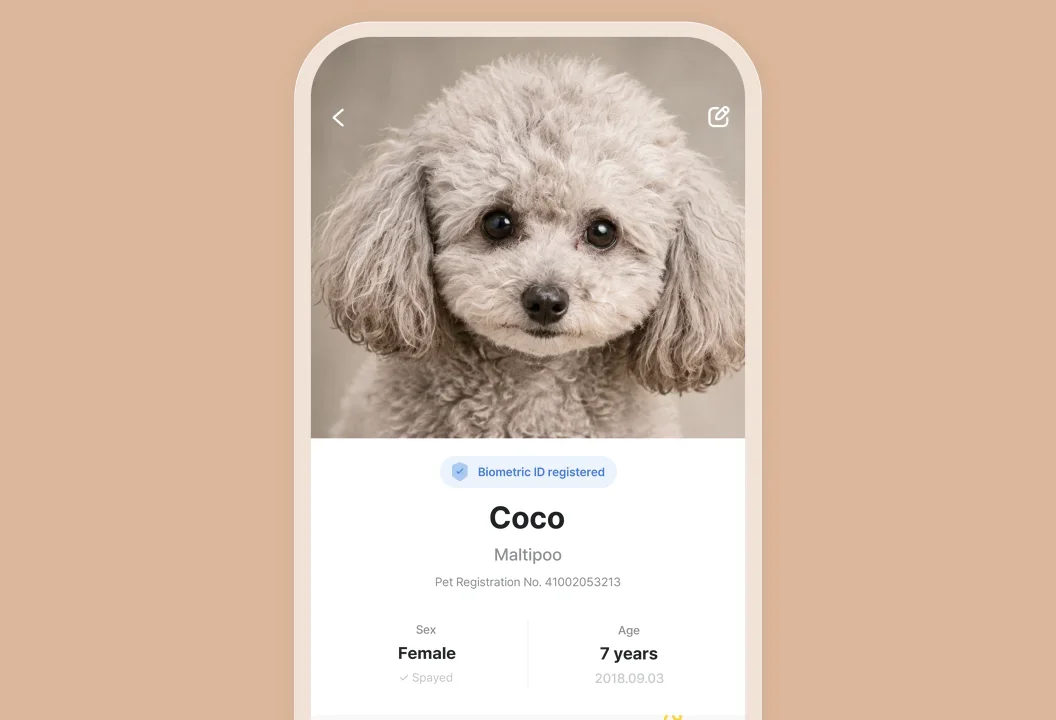
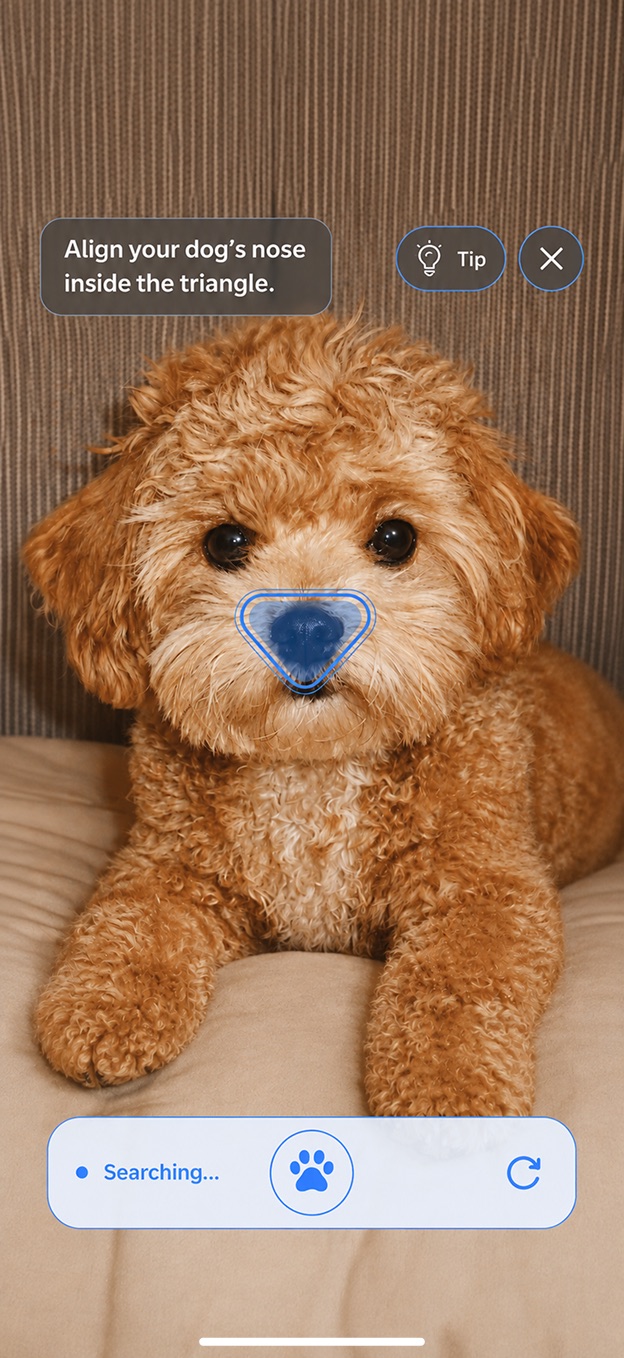
Create a new pet profile from biometric data. Use dog noseprint or cat face capture.
When do you use it?
When registering a pet for the first time in your service
Example
New signup, initial registration
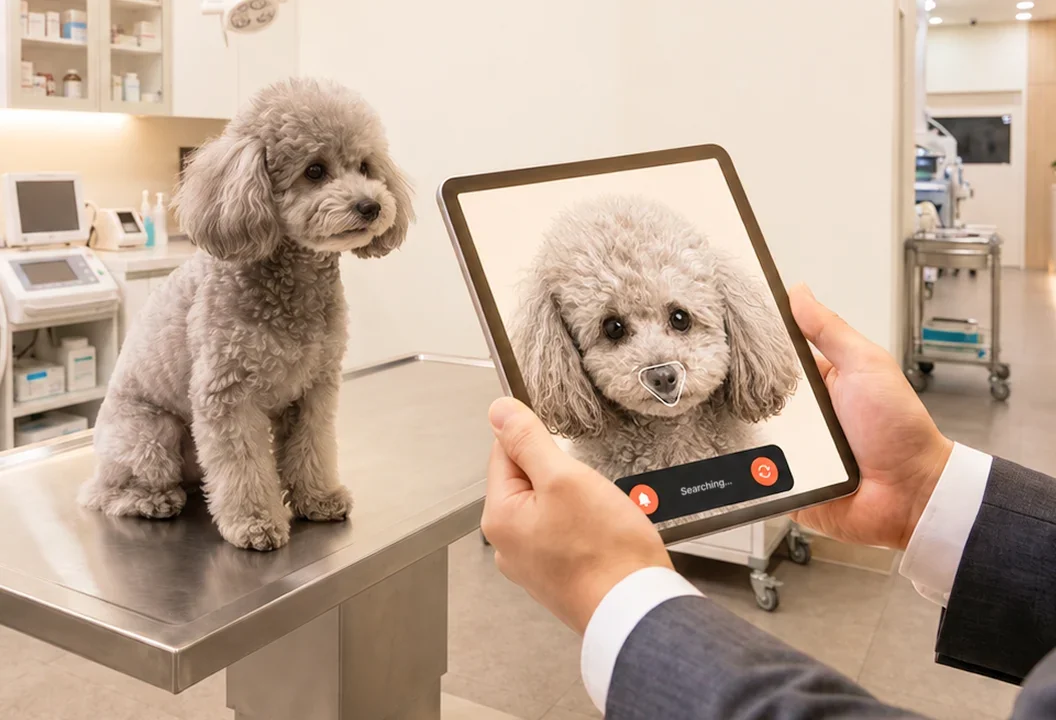
Check whether the captured pet matches the same registered profile.
When do you use it?
When checking whether it matches a registered pet
Example
Insurance claim check, account linking check
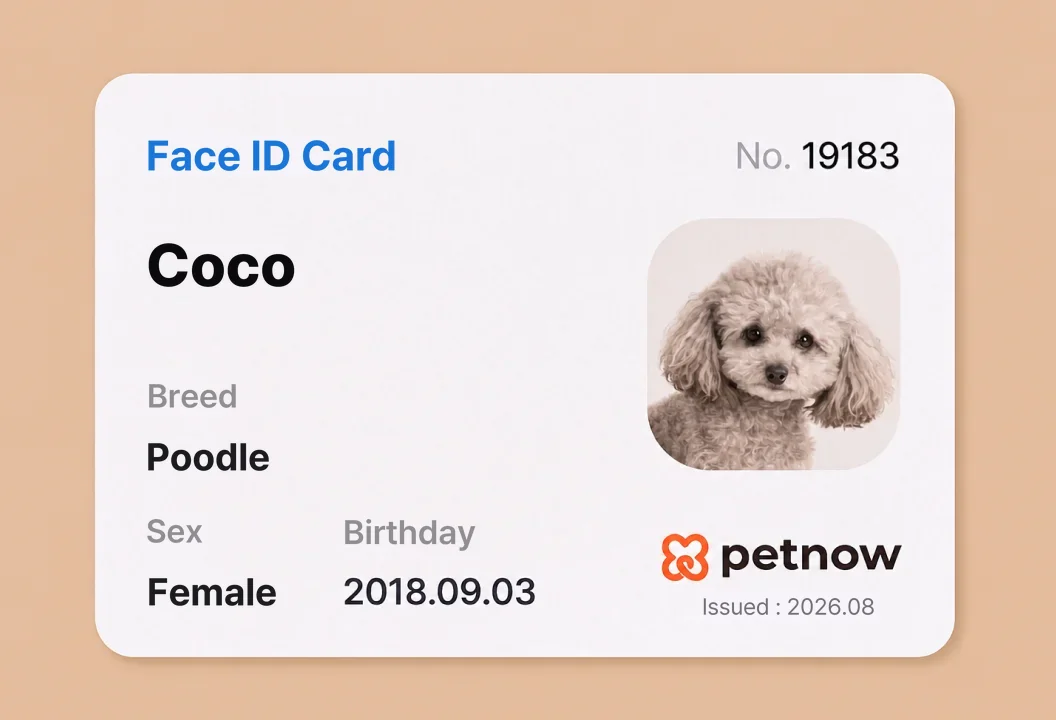
Find which registered pet profile matches the captured pet.
When do you use it?
When finding a registered pet profile
Example
Shelter lookup, registered pet check
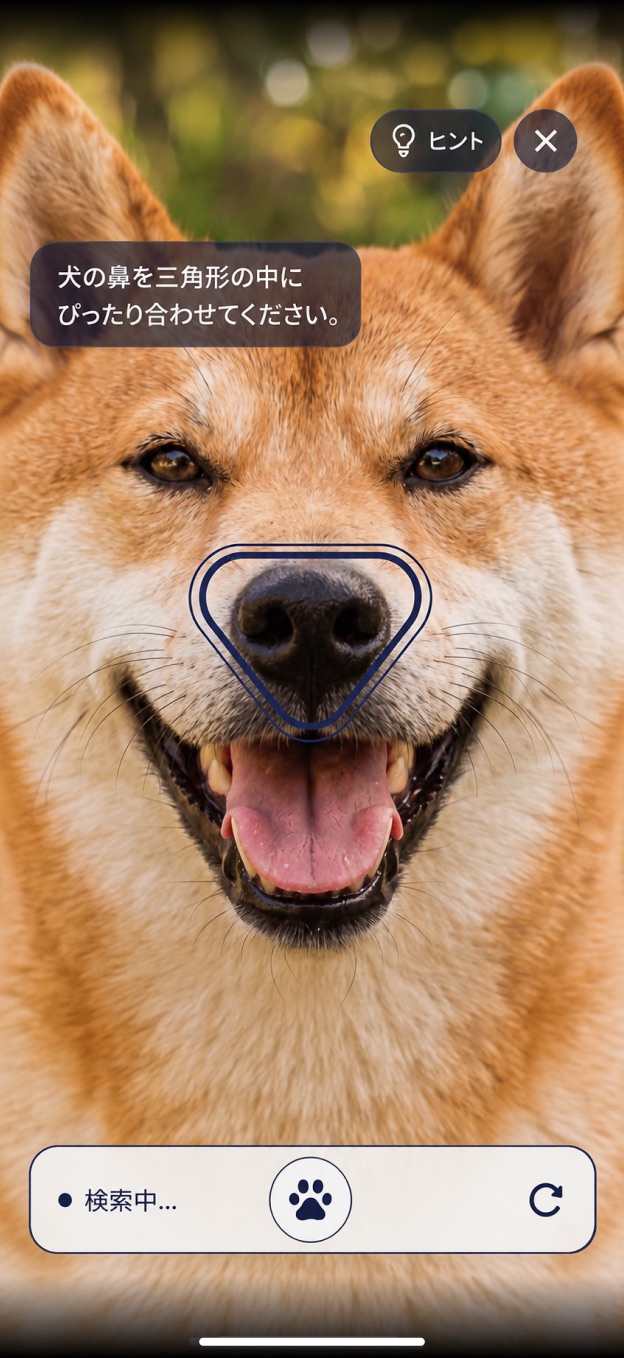
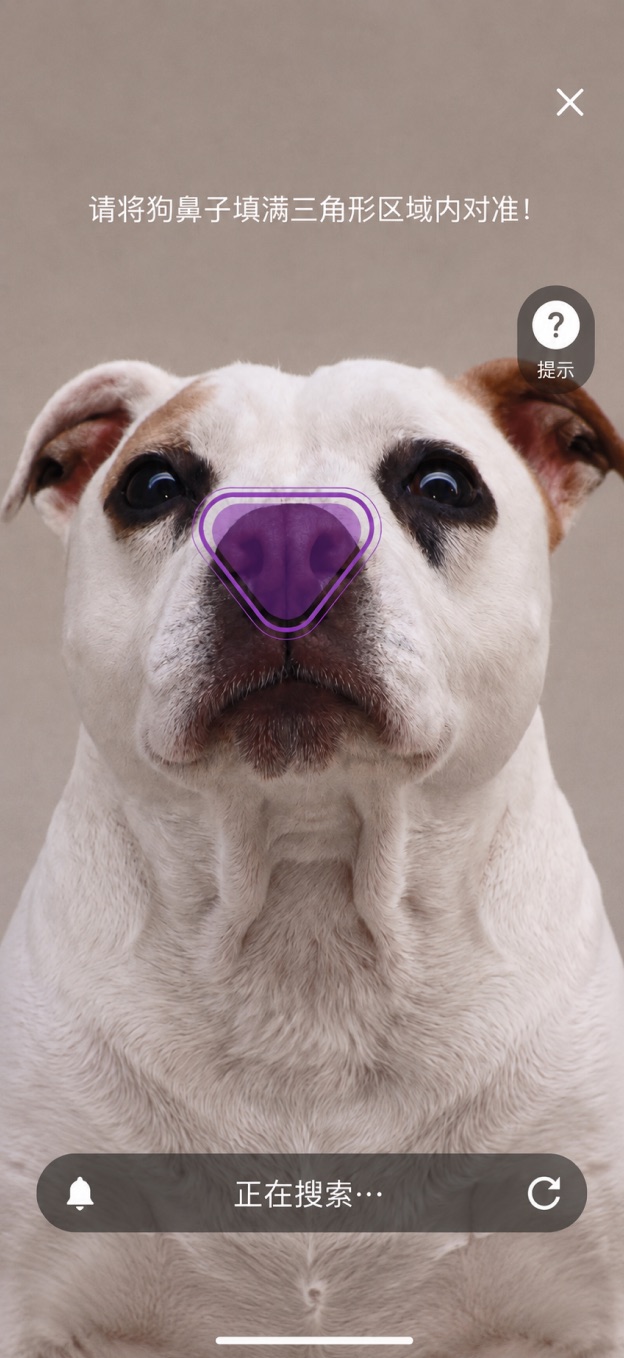
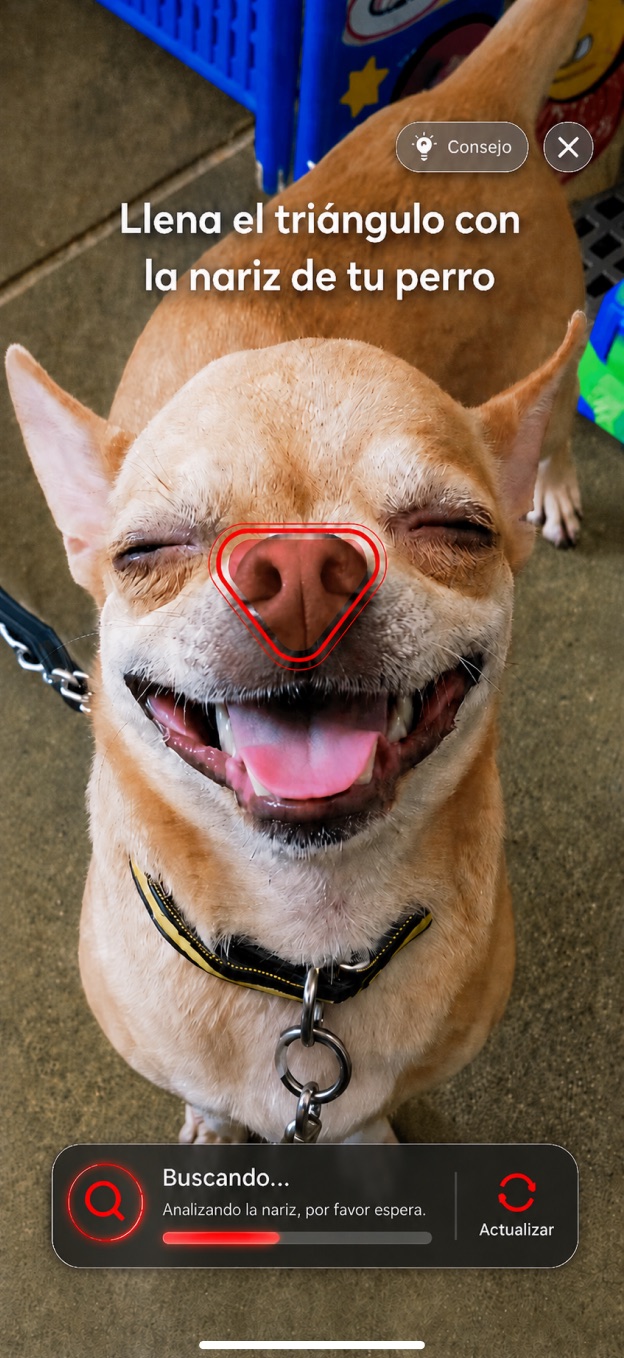
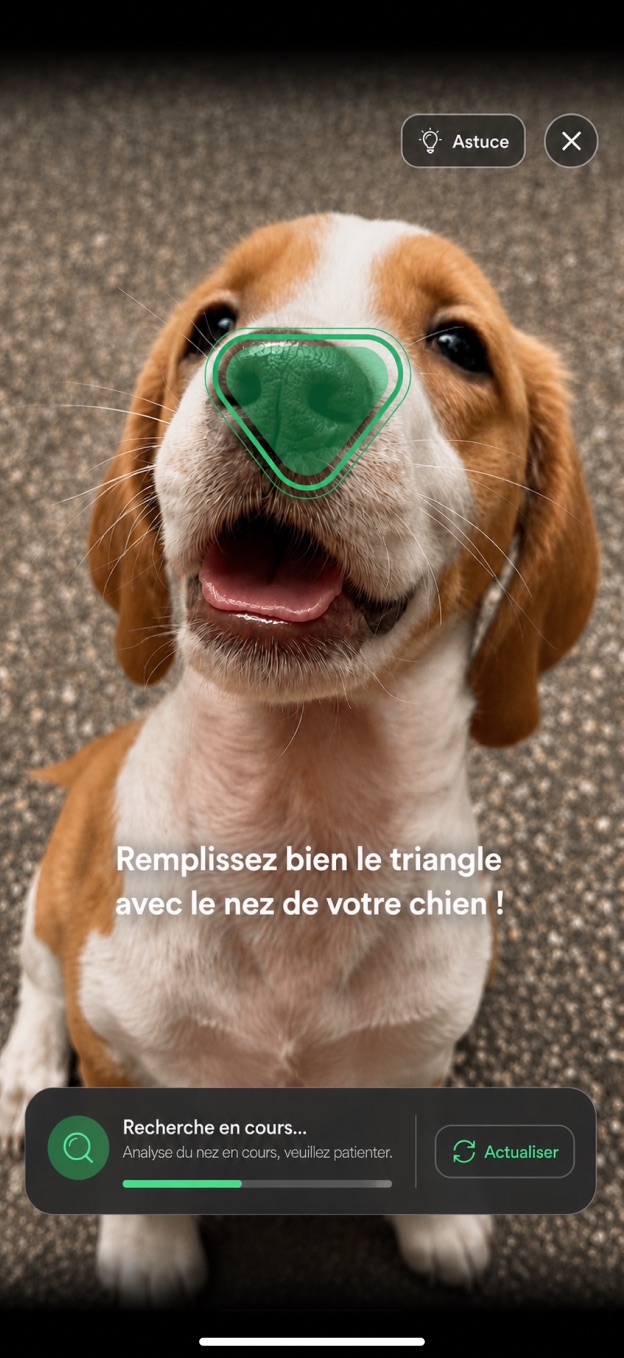
Web SDK Playground
Admin Console
Dashboard
Review registration, verification, and identification status at a glance
History review
Check the result list and status quickly
Detailed review
Inspect captured images and result details more closely
Operations
Manage usage, billing details, and API keys
Monitor activity
Track registration, verification, and identification activity.
Review results
Check result rows and success or failure status.
Inspect details
Compare capture images and review metadata.
Manage operations
Manage usage, billing, and API keys.
Petify Admin Console tour: monitor biometric activity, review result lists, inspect capture details, and manage usage, billing, and API keys.
Everything needed for adoption in one product
01
Launch in your app with the iOS/Android Native SDKs and send production requests through Server API.
Input
Native capture start and server integration
02
Process captured data for registration, verification, or identification, then return the result your service needs.
Processing
Automatic classification and result prep
03
Admin Console brings registration, verification, and identification results — with pet history — into one workspace.
Operations
Manage registration, verification, identification, and history
Pricing / FAQ
Prod registrations are billed monthly on a recurring basis.
FAQ
Q. How do we prepare production launch?
Production launch uses iOS/Android Native SDKs and Server API. The Web SDK Playground is only for capture UX preview, and Admin Console supports ongoing operations.
Q. Can we launch production with the Web SDK Playground?
No. The Playground previews the capture UX only. Production should be designed with Native SDKs and Server API.
Q. What features can I build?
You can build pet registration, verification, and identification flows in your service.
Q. What do teams manage in Admin Console?
Review registration, verification, and identification results and history, then manage status, usage, billing, and API keys in one place.
Q. Is a test environment provided?
Yes. A Stage environment is available, and billing applies only in Prod.
Q. How is billing calculated?
Basic is billed at $0.5 per pet registration in Prod, with monthly recurring billing based on the total number of registrations. If you expect large-scale registration, such as 10,000+ pets, or high-volume usage, Enterprise terms and possible discount options can be discussed based on expected registration volume, registration / verification / identification usage, integration scope, and Admin Console operation needs.
Continue Native SDK and Server API onboarding in Admin Console.