Go Beyond Pet Profiles: Adding Pet ID to a Product You Already Ship
1. What Makes a Premium Tier Different
What does your premium tier actually give a user that the free one doesn’t?
Often, the answer is simply more: more storage, more pet profiles, fewer limits, fewer ads.
Those upgrades are useful, but they mostly change how much of the product a user gets. They do not necessarily change what the product can do.
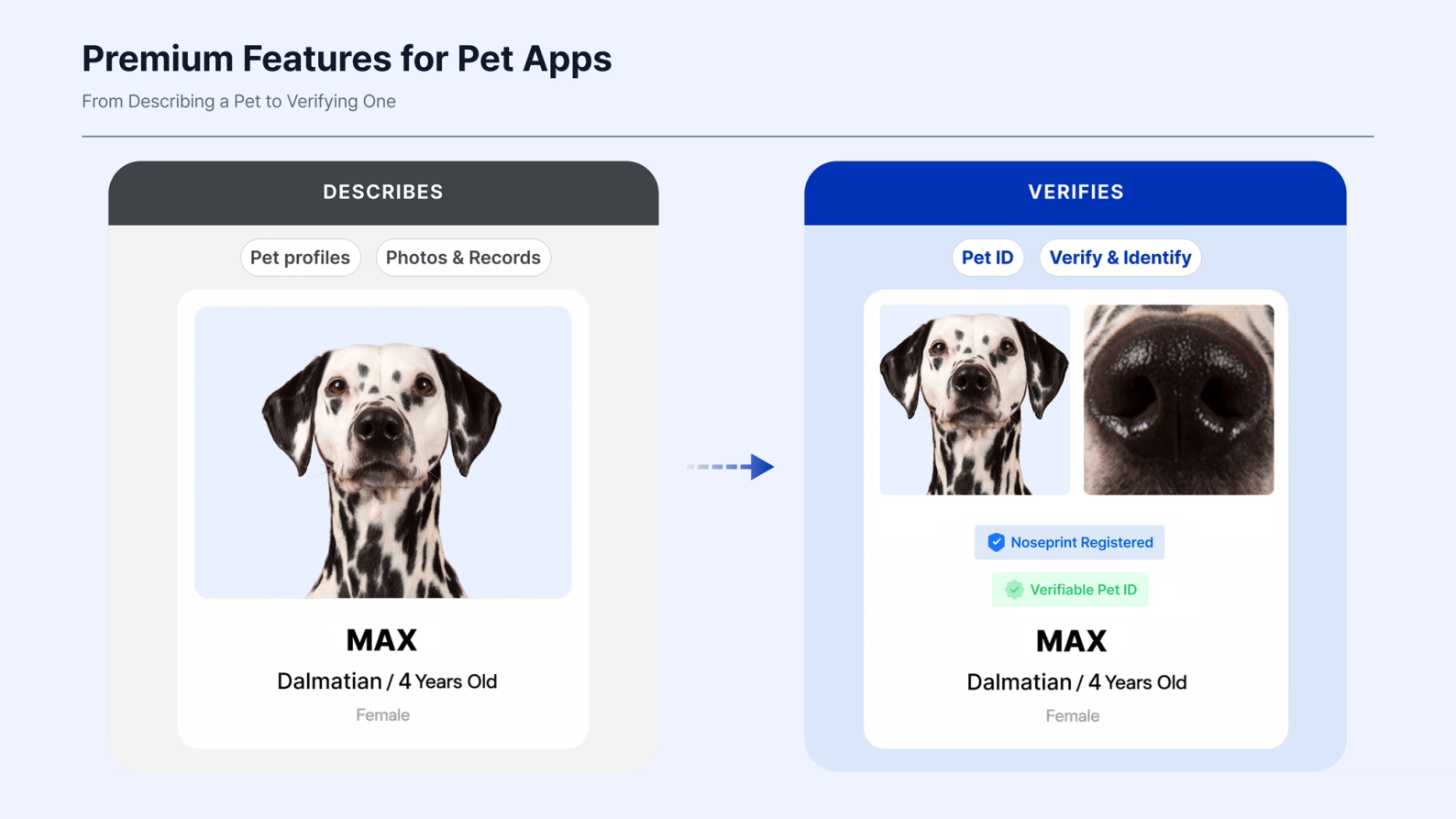
Pet profiles, photos and records are good at describing an animal. They can tell you its name, breed, birthday, weight and whatever else the owner has entered.
What they cannot establish on their own is whether the animal in front of the user is actually the pet on the profile.
If the goal is to make premium meaningfully different, that opens up another place to look: not at how much more of the profile to offer, but at what the profile still cannot do.
2. Premium Features for Pet Apps: From Describing a Pet to Verifying One
What is a biometric Pet ID?
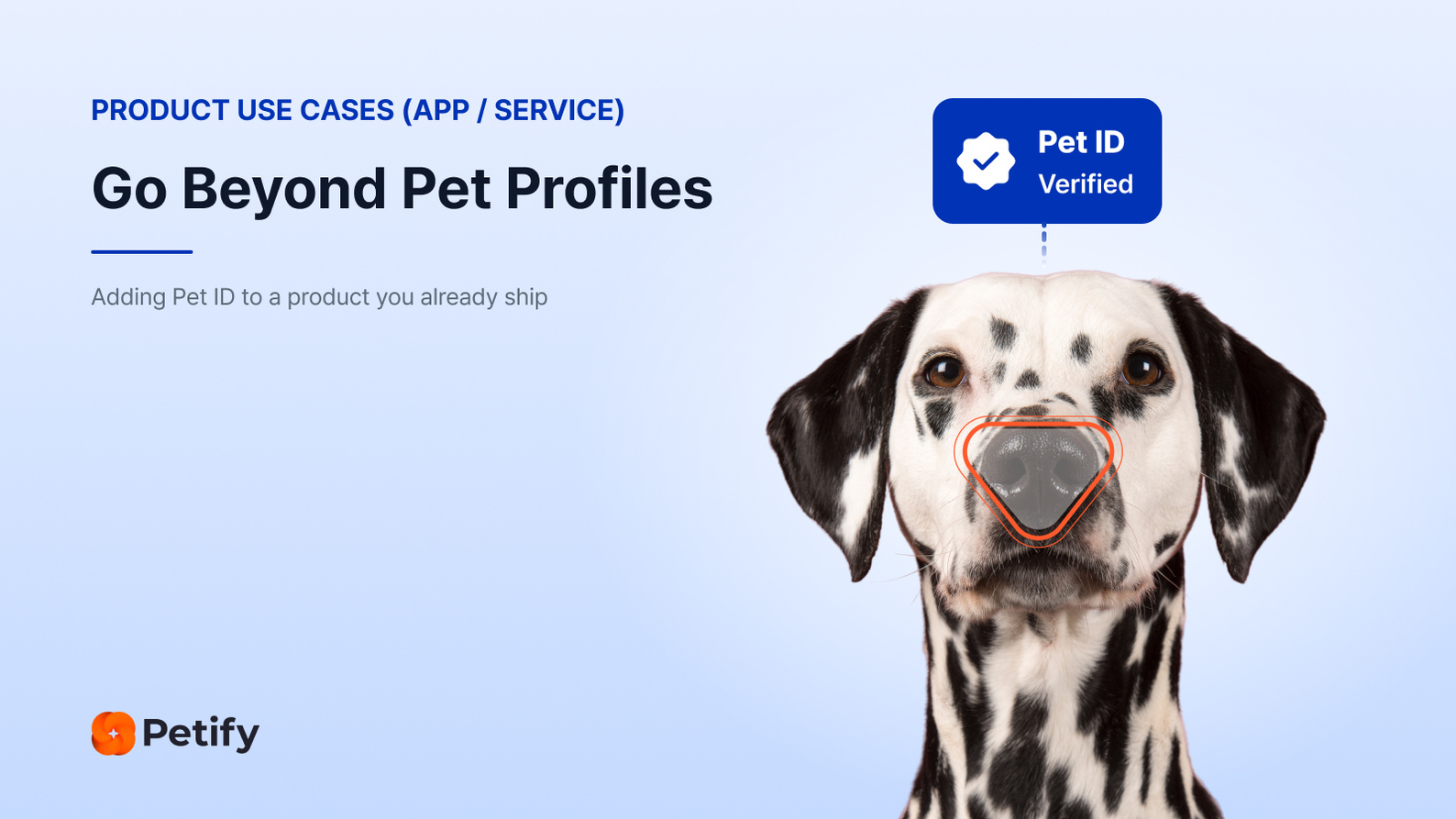
A biometric Pet ID is a digital identity created from the pet itself. Petify uses a dog's nose print or a cat's facial features, captured with a smartphone camera, to create that identifier.
That changes what a pet profile can answer.
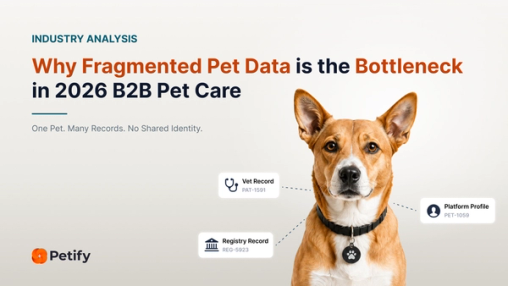
Two profiles can share the same name, breed and birthday. Those details may describe the pet well, but they are not enough to confirm that the pet in front of you is the one on the record.
Pet ID adds a way to verify the pet behind the profile.
Verify: Is this the same pet as the one on file?
Identify: Which registered pet is this?
The existing profile does not need to be replaced. Pet ID adds a way to check the physical animal against the information your product already keeps.
3. Three Ways Pet Apps Can Use Biometric Pet ID
Pet ID works behind the scenes. What users actually experience is the feature built around it.
A pet app does not need to introduce every possible use case at once. Here are three practical places to start.
3.1 Offer Verified Pet ID as a Premium Feature
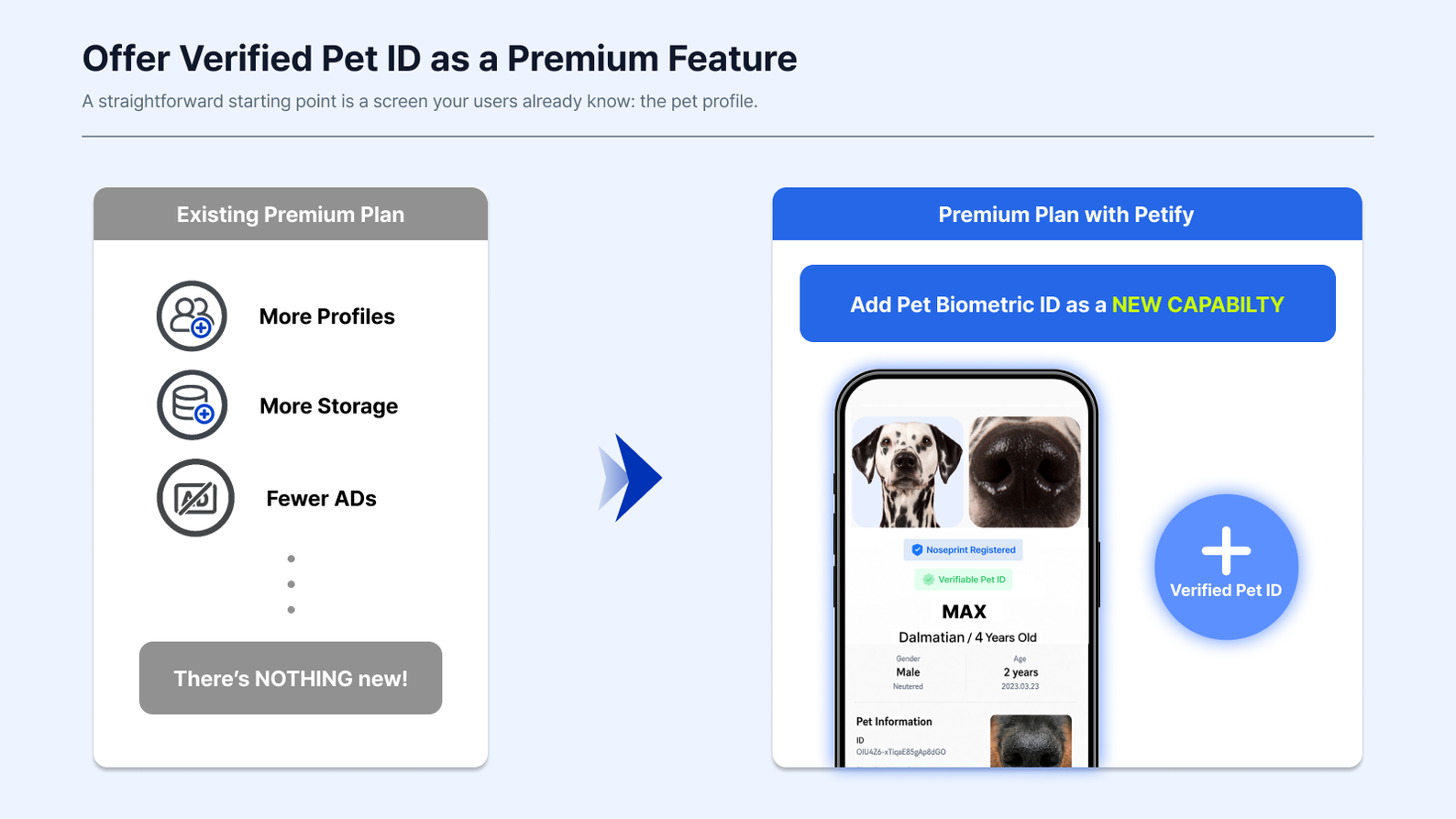
A straightforward starting point is a screen your users already know: the pet profile.
Instead of creating another account or sending the user to a separate service, biometric capture can be added to the profile they already use.
Step 1 · Start With an Existing Pet Profile
The user already has a pet profile in your product, so Pet ID can be introduced within an experience they already use.
Step 2 · Create the Pet ID
The owner scans their pet with a smartphone camera. Petify guides the capture and creates the Pet ID.
Step 3 · Connect the Pet ID to the Profile
The Pet ID is returned so it can be linked to the existing profile record, alongside the identifiers and information your product already maintains.
The result is an existing pet profile that can now verify the pet behind it.
Step 4 · Offer It as a Premium Feature
That verified identity can then be positioned as part of a paid tier, membership benefit or another differentiated service.
The commercial model, pricing and user experience remain with the app.
3.2 Add Lost-Pet Protection
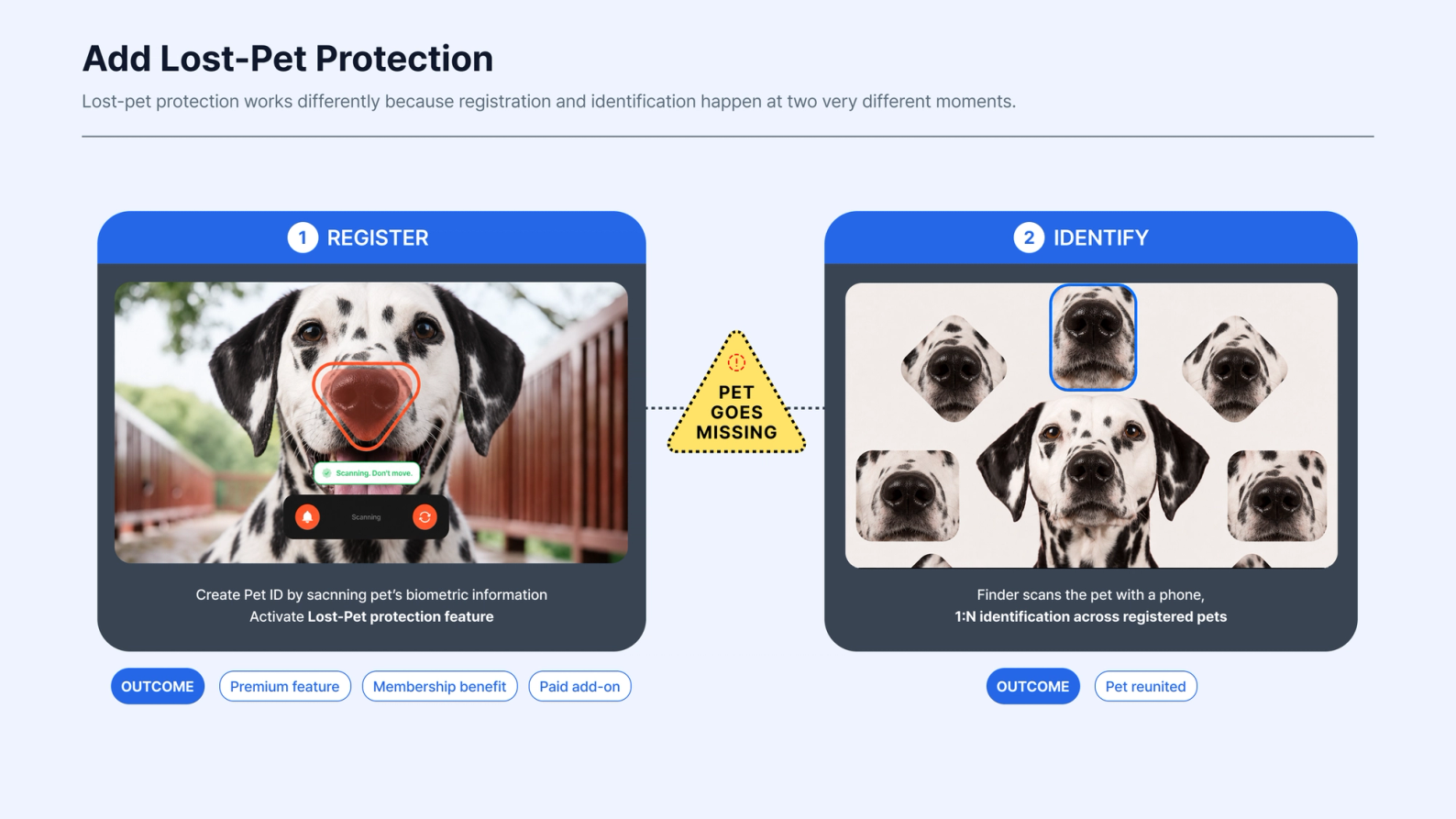
Lost-pet protection works differently because registration and identification happen at two very different moments.
The owner registers the pet while it is safely with them. Identification may not be needed until weeks or months later.
Phase 1: Register
Step 1 · Activate Lost-Pet Protection
The owner activates lost-pet protection through a membership, upgrade, renewal or another point in the product journey.
Step 2 · Register the Pet
They complete the biometric capture once, using their phone while the pet is in front of them.
Step 3 · Link the Pet ID and Activate Protection
The resulting Pet ID is linked to their profile and made available to the recovery workflow.
From the user's perspective, protection is now active.
Then something happens that nobody schedules:
the pet goes missing.
Phase 2: Identify
Step 1 · A Finder Scans the Pet
Someone finds the animal and scans the live pet with a smartphone camera.
The finder does not need the owner's contact details or anything physically attached to the pet to begin the biometric identification flow.
Step 2 · Petify Searches for a Match
Instead of checking against one known record, Petify can use the capture for 1:N identification across the pets registered in that recovery service.
Step 3 · A Potential Match Enters the Recovery Process
If a potential match is found, the result can feed into the process the service already uses, such as an app notification, support desk, shelter partner or clinic network.
Step 4 · Reconnect the Pet and Owner
The recovery workflow can then continue toward reconnecting the pet with its owner.
Registration happens once. Identification happens on the day it matters.
A UK lost-pet recovery service already uses Petify for its premium members.
Petify is designed to work alongside microchips and ID tags, not replace them.
3.3 Reuse One Pet ID Across Services
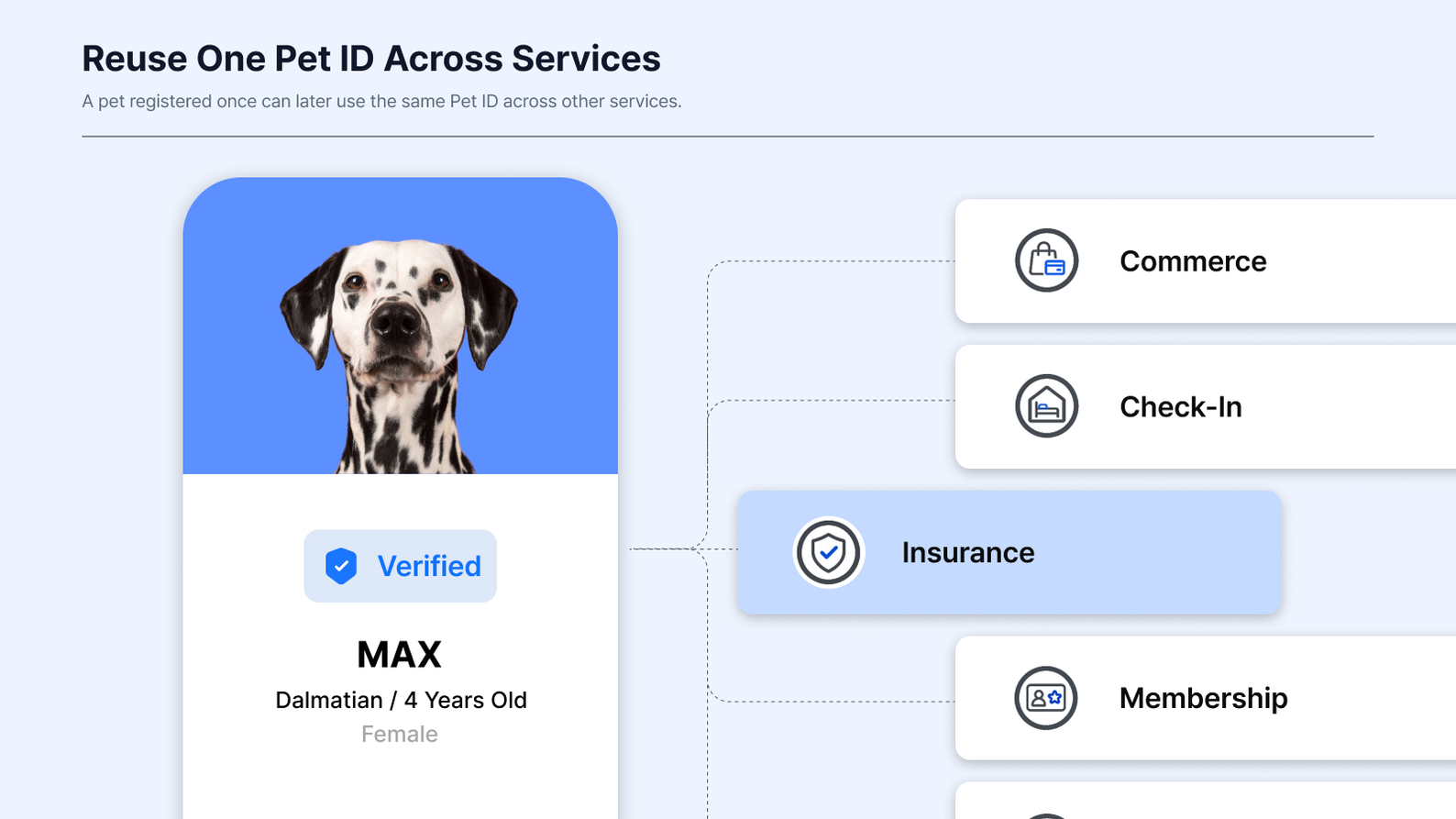
A pet registered once can later use the same Pet ID across other services.
It could be an insurance check, a boarding check-in, a wellness programme, a members-only purchase or another service where the business needs to confirm that the pet matches the record.
The Pet ID does not need to be created again each time.
Step 1 · A Connected Service Needs Pet Verification
Another service reaches a point where it needs to confirm that the pet is the one already on file.
Step 2 · Verify the Pet Against the Existing Pet ID
A 1:1 check compares the pet against the Pet ID already on file.
Step 3 · Return the Result to the Service
The verification result can then return to the existing service flow without requiring a separate identity system.
Step 4 · Continue Without Repeat Enrollment
The same identity can be reused without asking the user to complete another biometric enrollment.
That extends the value of the Pet ID beyond the feature that originally created it.
One registration can support multiple services while the app continues to control which services use verification, where it appears and how the experience works for the user.
4. Petify in Production
80%
Subscription Price Increase One client raised its subscription price by 80% after adding Petify.
99%+
Biometric Matching Performance Measured in Petify's internal accuracy testing.
100K+
Pets Registered Through Client Services More than 100,000 pets have been registered through Petify clients.
5. Pet Tech API and SDK: Start With a Link, Integrate Deeper Later
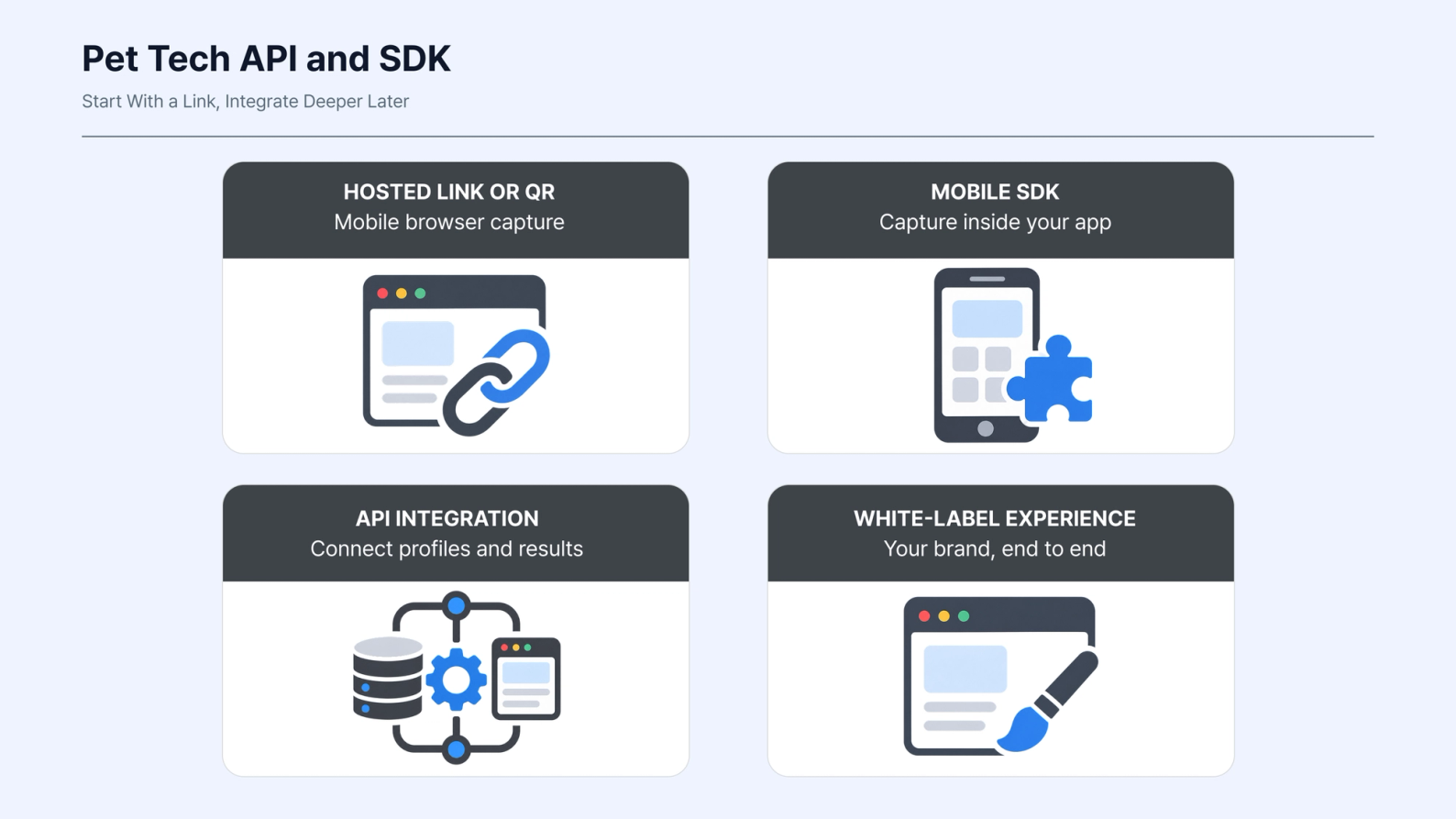
Adding biometric pet identity does not have to begin as a large integration project.
A hosted link or QR code can open the Petify capture flow in a mobile browser. That gives a team a way to test the experience without first completing an SDK integration, app release or store review.
It can be enough to put the workflow in front of real users and see how they respond.
If the use case proves useful, the integration can go deeper from there.
Petify can run inside the product through its SDK, connect to existing systems through a pet tech API, or support a more deeply integrated, white-label experience.
The level of integration depends on what the workflow needs.
The important part is that teams do not have to make that entire decision before testing the use case.
6. Make the Pet Verifiable, Not Just Described
Pet profiles and records are still useful. Biometric Pet ID adds something different: the ability to confirm the physical animal behind them.
For a pet app, that creates several possible paths.
A verified Pet ID can become a premium feature. The same identity can support lost-pet protection. It can also be reused later when another connected service needs to verify the animal.
None of those require the product team to build biometric identification from scratch.
Want to see how Pet ID could fit your product?
We’ll walk through the workflow against your existing customer journey, including integration options, database mapping and commercial setup.