Go Beyond Verified Documents: Adding Pet ID to the Claims Flow You Already Run
1. What Your Claims Process Still Cannot Verify
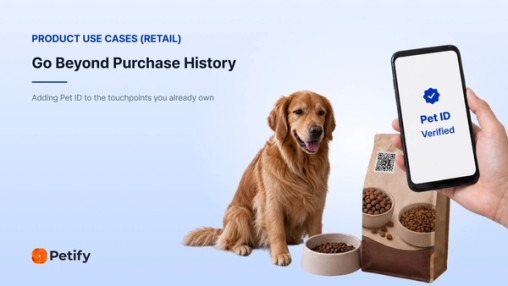
Is the pet in the claim the pet on the policy?
How does your claims process confirm which animal the claim is about?
For most pet insurers, the answer is that the existing records cannot do that on their own.
The policy is verified. The invoice is verified. The clinical notes are verified.
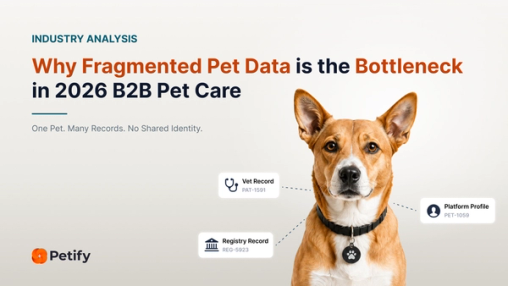
But all of them are records about the pet. None provides a way to check the pet itself against the policy.
A photo can show the pet, but it cannot confirm that the pet is the one enrolled on the policy. Neither can a name, breed or date of birth.
The question is narrower than fraud.
At the moment a claim is filed, can the claims process confirm that the pet presented at claim time is the pet enrolled on the policy?
2. Biometric Pet Identity Verification for Pet Insurance Claims
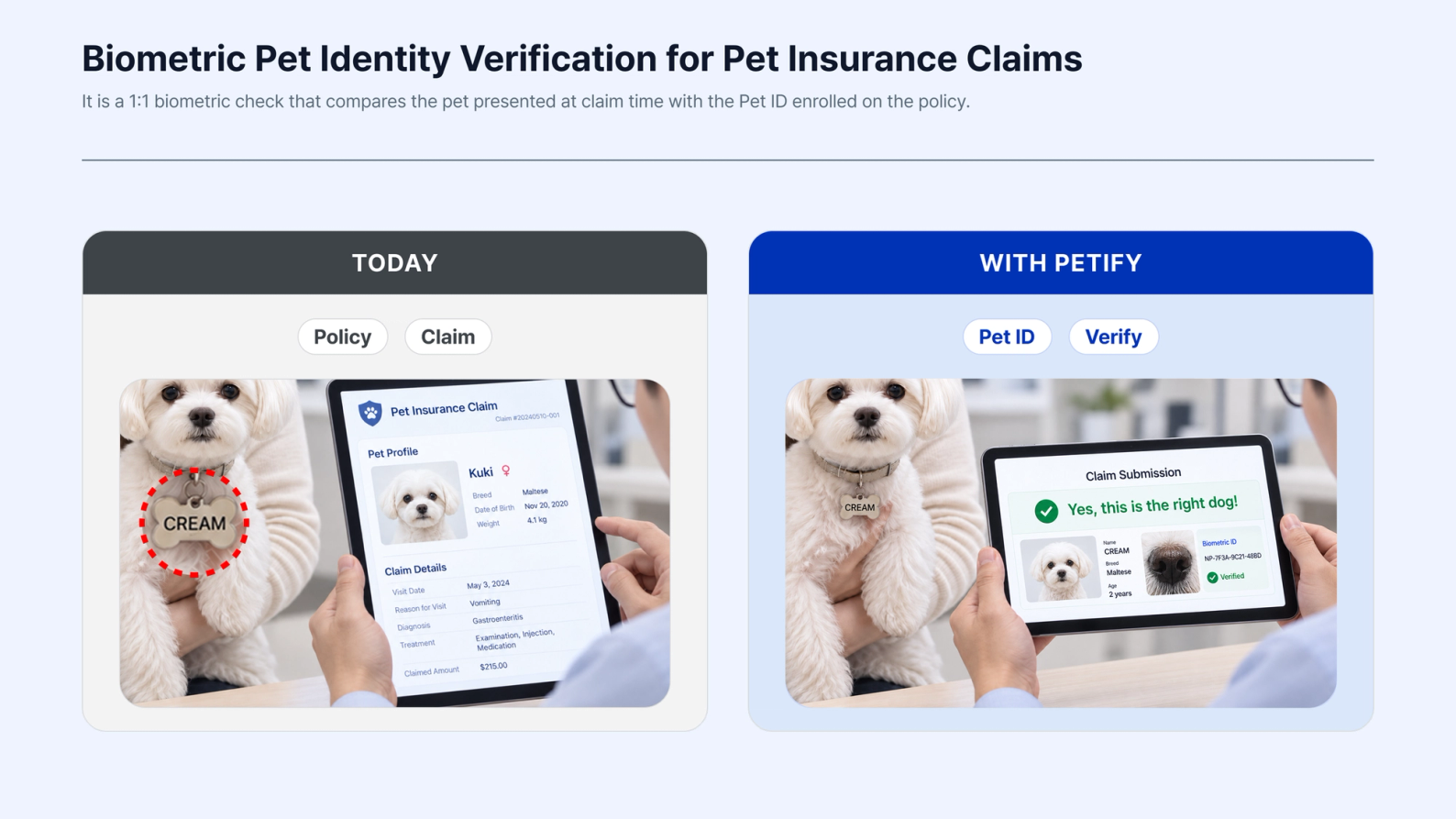
What is biometric pet identity verification?
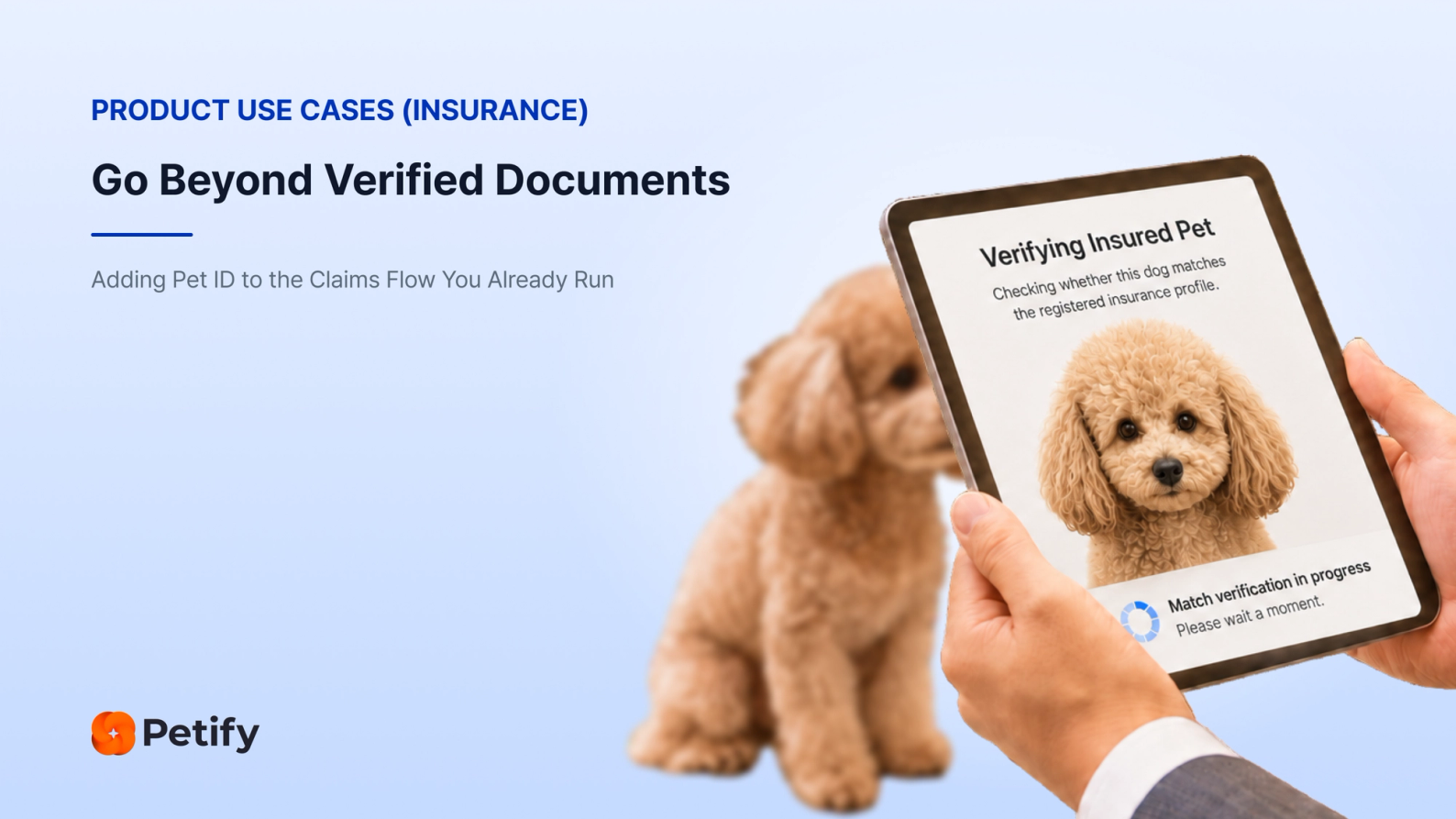
It is a 1:1 biometric check that compares the pet presented at claim time with the Pet ID enrolled on the policy.
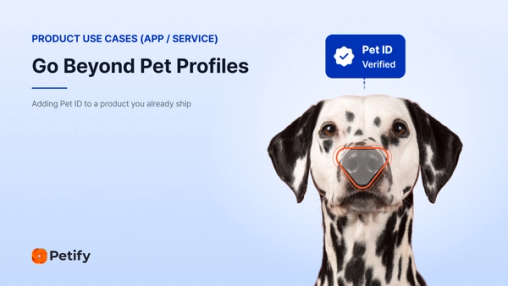
A Pet ID is a biometric identifier created from the pet itself. Petify uses a dog’s nose print or a cat’s facial features, captured with a smartphone camera, to create that identifier.
At policy enrollment, the pet is scanned and the Pet ID is linked to the policy.
At claim time, the pet is scanned again and compared with the Pet ID already on file.
The policy record and the claim record already connect clearly.
Pet ID adds a way to check the pet those records are about, rather than adding another document to the claim.
3. Two Pet Insurance Use Cases for Biometric Pet ID
Once a pet is enrolled with a Pet ID, insurers can use that identity in two different workflows.
3.1 Enroll at Sign-Up. Verify at Claim.
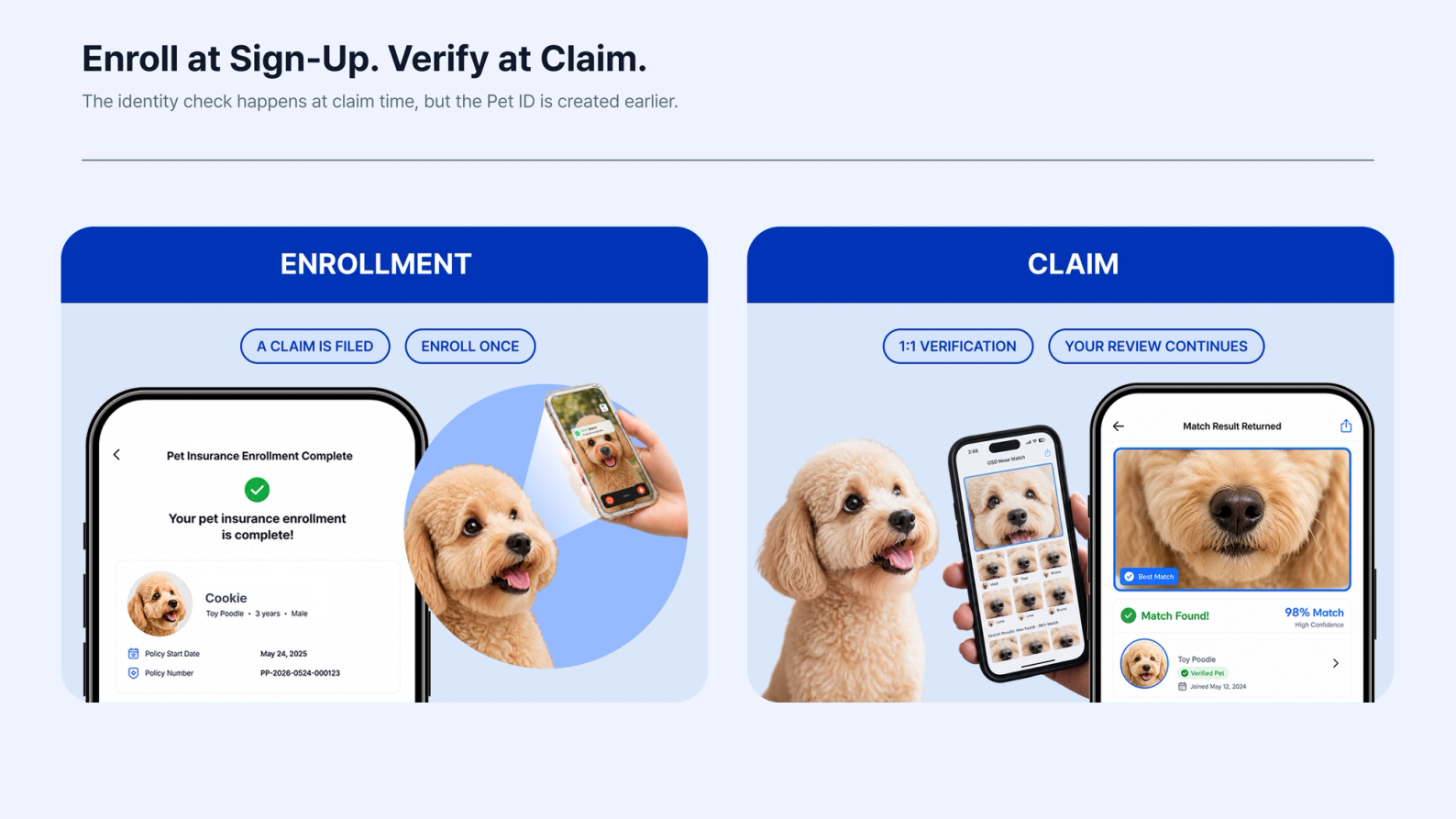
The identity check happens at claim time, but the Pet ID is created earlier.
That separation is important: enrollment happens once, while verification can happen whenever a claim is submitted.
Phase 1: Enrollment
Step 1 · Start at Policy Sign-Up
The pet identity flow begins when the policy is created or activated.
Step 2 · Create the Pet ID
The customer scans their pet with a smartphone camera. Petify guides the biometric capture and creates the Pet ID.
Step 3 · Link the Pet ID to the Policy
Your system links the Pet ID to the policy record.
Step 4 · Keep the Pet Enrollment on File
The pet is now enrolled and ready for a future claim-time identity check.
A claim is filed.
Phase 2: Claim Verification
Step 1 · A Claim Is Submitted
The existing claims process begins as usual.
Step 2 · Verify the Pet Against the Enrolled Pet ID
The pet is scanned again and Petify performs a 1:1 verification against the Pet ID already linked to the policy.
Step 3 · Return the Match Result
Petify returns the verification result to the insurer’s claims system.
Step 4 · Continue the Existing Claims Process
The identity result becomes one input to the claims workflow, while the insurer continues to apply its own rules and review process.
Petify returns the 1:1 verification result. The insurer keeps control of claim rules, exceptions and the final claim decision.
3.2 Add Lost-Pet Protection
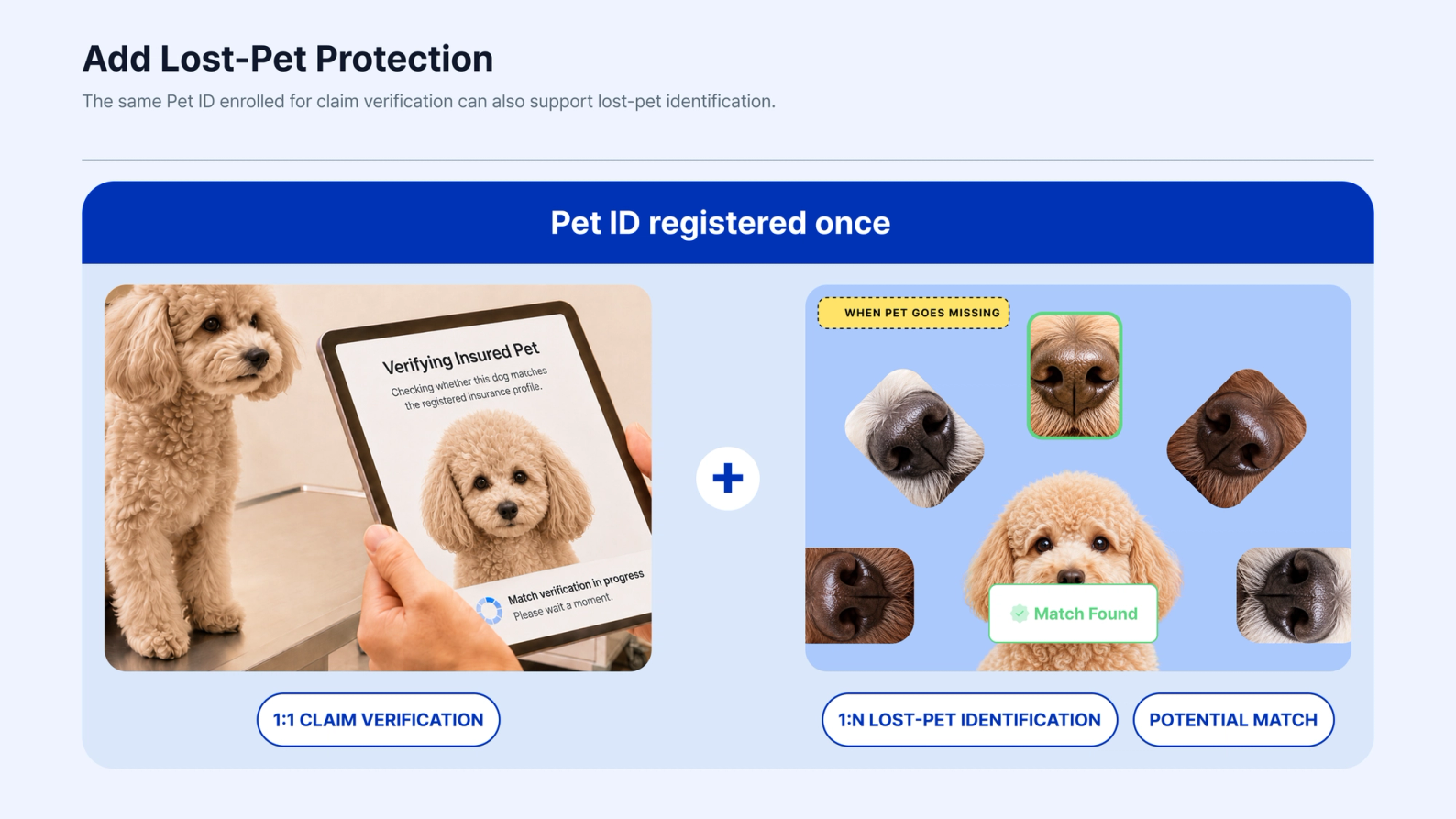
The same Pet ID enrolled for claim verification can also support lost-pet identification.
No second biometric enrollment is required.
Claim verification uses 1:1 matching against the Pet ID already linked to the policy.
Lost-pet identification uses 1:N matching, comparing the scanned pet against the registered pets available to that recovery service.
Step 1 · A Finder Scans the Pet
Someone who finds the animal scans the live pet with a smartphone camera.
Step 2 · Petify Searches for a Match
Petify uses 1:N identification to search the registered pets available to the recovery service.
Step 3 · A Potential Match Enters the Recovery Flow
If a potential match is found, the result can be passed into the notification or recovery process the insurer or service already uses.
Step 4 · Continue the Recovery Process
The owner can be notified and the existing recovery workflow can continue toward reconnecting the pet and owner.
Petify provides the Pet ID, the 1:N identification and the potential match result.
The insurer or service controls the customer benefit, notifications and recovery process.
4. Petify in Production
~1 Second
1:N Search Across 100K Pet Profiles Search takes about one second across a registered population of 100,000 pet profiles.
99%+
Biometric Matching Performance Measured in Petify's internal accuracy testing.
Live
Pet Insurance Deployment A pet insurer in the Middle East uses Petify at enrollment and during claims.
The 100K figure refers to the size of the searched pet population. It is not a claim about fraud rates or claims-cost reduction.
The one-second and 99%+ figures describe 1:N identification. Claim verification is a separate 1:1 comparison between the pet presented at claim time and the Pet ID linked to the policy.
5. Pet Insurance API and SDK: Start With a Secure Link, Integrate Deeper Later
A claims process is not something insurers change casually.
Biometric pet verification does not have to begin with a large claims-system integration.
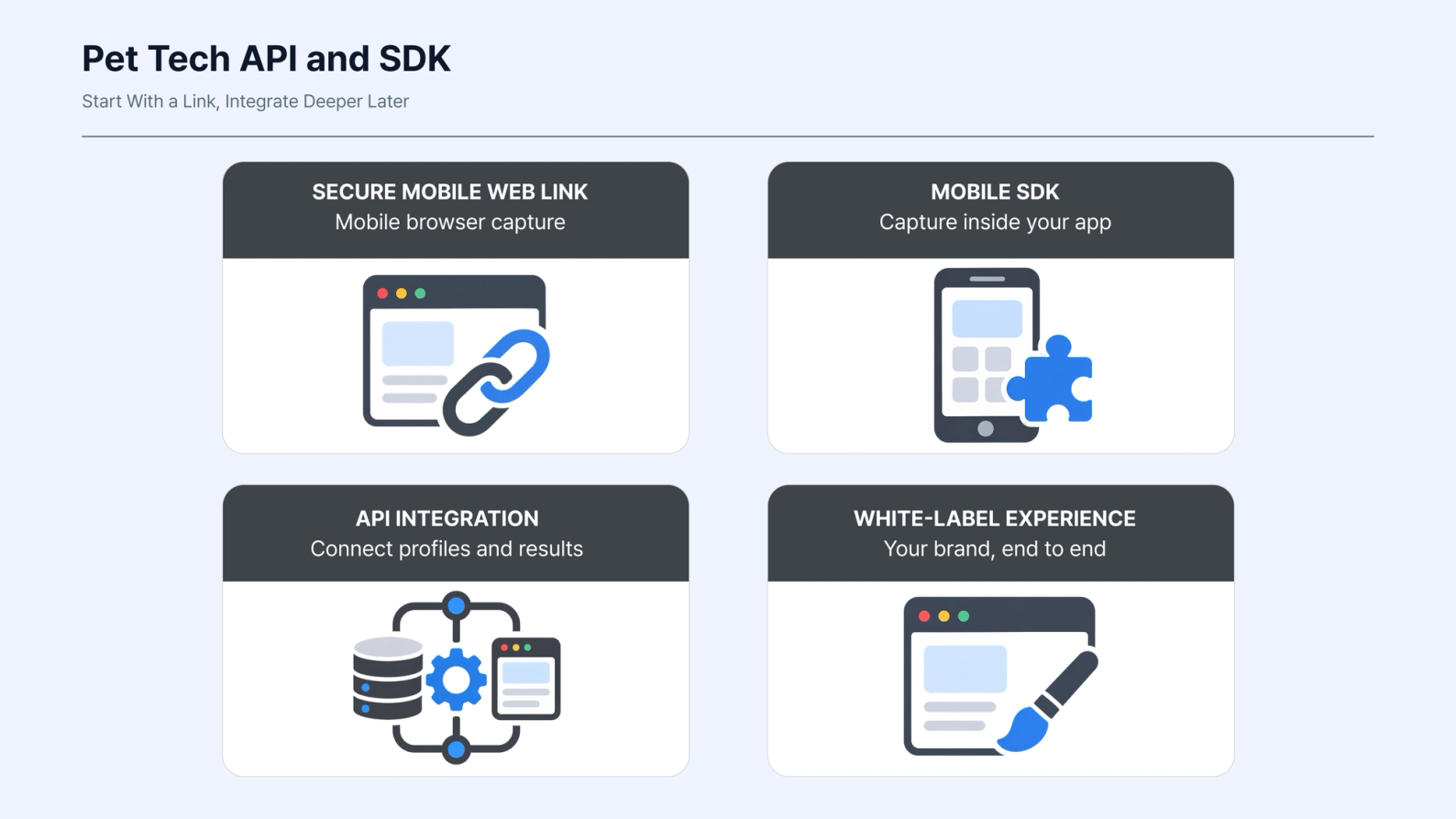
Step 1 · Start With a Secure Mobile Web Link
A secure mobile web link can run the biometric capture flow at enrollment or claim time.
No SDK integration or app release is required to start testing the experience.
Step 2 · Bring the Flow Into Your Product
If the workflow fits your customer experience, Petify can run inside the product you already offer through its SDK.
Step 3 · Connect the Policy and Claims Systems
API or SDK integration can connect Petify with the policy and claims systems that need the Pet ID and verification result.
Step 4 · Keep the Experience Under Your Brand
The flow can also be integrated more deeply as a white-label experience.
The right level of integration depends on the use case and the systems already in place. No standalone app is required at any level.
6. Verify the Pet, Not Just the Claim Records
Pet insurance already has a careful process for checking the records around a claim.
Biometric Pet ID adds a way to check the pet those records are about.
The pet can be enrolled once on the policy and verified again when a claim is submitted, while the insurer keeps control of the claim decision.
The same identity can also support additional services, such as lost-pet identification, without asking the customer to enroll the pet again.
Want to see how biometric Pet ID could fit your claims process?
We’ll walk through the enrollment and claim-verification flow against your existing process, including integration options, policy mapping and the boundary between Petify’s verification result and your claims decision.